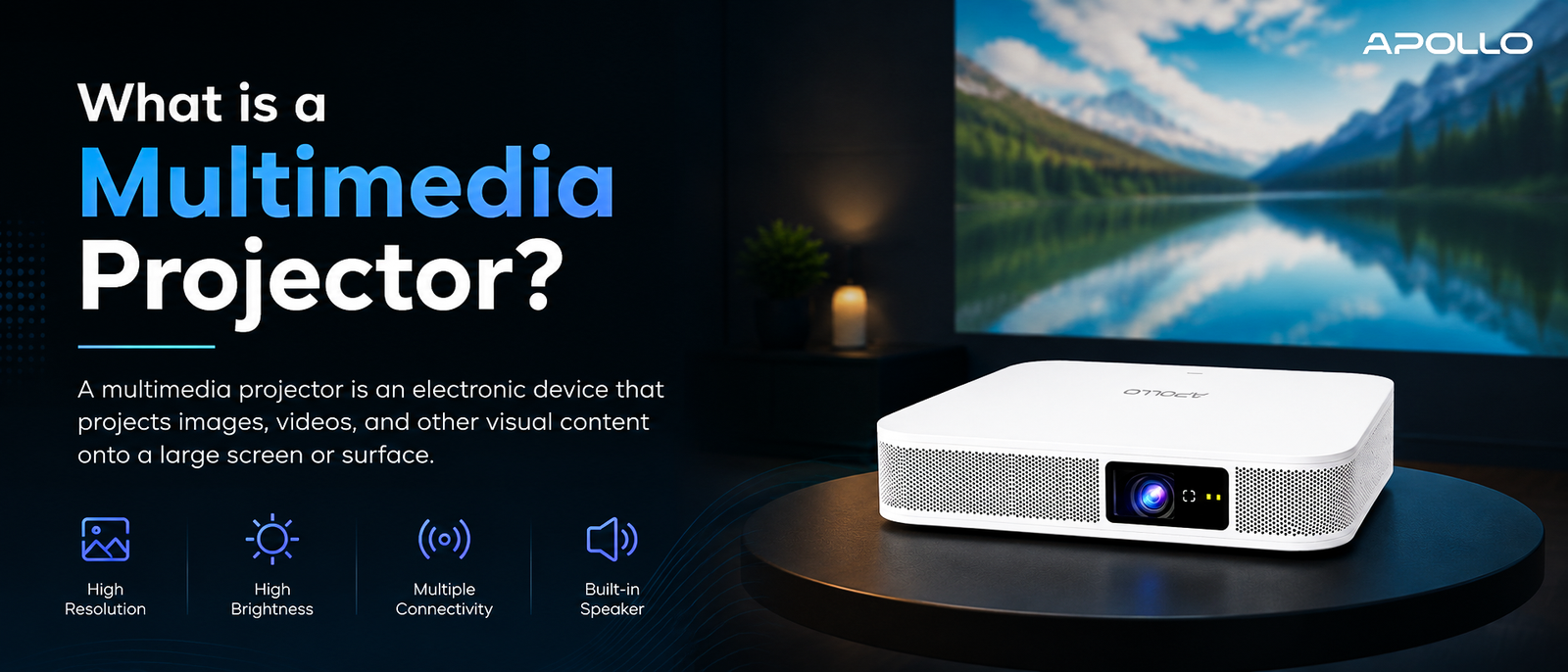
A multimedia projector isn't just an audiovisual accessory — it's become a core communication tool for businesses worldwide, enabling clearer presentations, more engaging training, and better collaboration across hybrid teams. Understanding what a multimedia projector is, and how its features align with your specific needs, puts you in a much stronger position when it's time to buy.
A single device now replaces the whiteboard, the TV screen, the printed handout, and half the reasons your meetings used to run long. That device is the multimedia projector — and if your last mental image of one is a noisy box throwing a dim, yellowish rectangle onto a pull-down screen, you're about a decade behind what these tools can actually do.
Today's multimedia projectors are compact, high-definition, wireless-capable systems built for boardrooms, classrooms, auditoriums, and hybrid offices around the world. This guide breaks down exactly what a multimedia projector is, how it works, the different types available, and how to know if your organization actually needs one.
What Is a Multimedia Projector, Exactly?
A multimedia projector is a display device that takes a video or image signal — from a laptop, phone, media player, or streaming device — and projects it onto a large screen or flat surface. Unlike a basic data projector that only handles static slides, a multimedia projector is built to handle a full range of content types, including:
- 1. Video and animation
- 2. High-resolution images
- 3. Audio (via built-in or connected speakers)
- 4. Live streaming and screen mirroring
- 5. Interactive presentations
- In short, it's a single piece of equipment designed to turn any wall into a full-featured display for presentations, training sessions, product demos, or entertainment.
How to connect a multimedia projector to your laptop → Setup guide
How Does a Multimedia Projector Work?
At a basic level, a multimedia projector works in three stages:
- Signal input – The projector receives a video/audio signal through HDMI, VGA, USB, or a wireless connection.
- Light processing – Internally, a lamp or LED light source passes through a lens system (using technologies like DLP, LCD, or LCoS) to form the image.
- Projection – The processed image is projected through the lens onto a screen, wall, or projection surface, scaled to the desired size.
The clarity of that final image depends on several technical factors, which is why not all projectors are created equal.
Key Features That Define a Good Multimedia Projector
When businesses evaluate projectors, a few core specifications matter most:
Brightness (Measured in Lumens)
Higher lumens mean better visibility in rooms with ambient light. Corporate boardrooms typically need 3,000+ ANSI lumens, while dark home theaters can work well with less.
Resolution
Common resolutions include:
- HD (1280x720) – Entry-level, fine for small rooms
- Full HD (1920x1080) – Standard for most business use
- 4K UHD – Premium clarity for large venues or detailed visuals
Connectivity
Modern multimedia projectors typically support HDMI, USB, Bluetooth, and Wi-Fi, allowing seamless connection to laptops, smartphones, and streaming devices without a tangle of cables.
Throw Distance and Portability
Short-throw projectors work well in small rooms, while long-throw models suit large auditoriums. Portability matters for teams that present across multiple offices or client sites.
Best portable multimedia projectors for business travel → Product category
Types of Multimedia Projectors
Not every projector serves the same purpose. Here's a quick comparison:
| Type | Best For | Notes |
|---|---|---|
| DLP (Digital Light Processing) | Fast-paced video, home entertainment | Sharp contrast, compact size |
| LCD (Liquid Crystal Display) | Business presentations, classrooms | Accurate color, affordable |
| LCoS (Liquid Crystal on Silicon) | High-end home theater | Excellent image quality, higher cost |
| Laser Projectors | Large venues, long-term use | Long lifespan, consistent brightness |
| Portable/Mini Projectors | Travel, small teams | Compact, often battery-powered |
Compare Apollo Vision Tech's full projector range
Why Businesses Around the World Are Investing in Multimedia Projectors
Organizations across industries — from finance and education to manufacturing and healthcare — are adopting multimedia projectors for a simple reason: they make communication more effective. Common use cases include:
- Client presentations and pitches, where large, clear visuals build credibility
- Team training sessions, especially for hybrid or multi-location teams
- Product demonstrations, where video and live content matter
- Conference rooms and auditoriums, replacing multiple screens with one flexible display
- Hybrid meetings, combining in-room and remote participants via wireless casting
Top Display for presentation systems for hybrid meeting rooms → Product page
Multimedia Projector vs. TV Screen: Which Is Better for Business?
This is one of the most common questions corporate buyers ask. Here's a quick breakdown:
- Screen size: Projectors easily scale to 100+ inches; TVs are typically capped around 85 inches without a major price jump
- Cost per inch: Projectors are generally more affordable for large display sizes
- Portability: Projectors are easier to move between rooms or locations
- Ambient light performance: High-end TVs often perform better in very bright rooms, though modern high-lumen projectors are closing this gap
For most conference rooms and training spaces, a good multimedia projector offers better value and flexibility than an equivalent-sized TV.
How to Choose the Right Multimedia Projector for Your Organization
Before purchasing, consider:
- Room size and lighting conditions – Determines the lumens you need
- Primary use case – Presentations vs. video vs. hybrid meetings
- Connectivity requirements – Wireless casting, multiple HDMI inputs, USB-C support
- Budget and long-term maintenance – Lamp-based vs. laser light source costs
- Portability needs – Fixed installation vs. move-between-rooms flexibility
FAQ: Multimedia Projectors Explained
1. What is the difference between a multimedia projector and a regular projector? A regular (data) projector is often limited to static slides and basic presentations, while a multimedia projector supports video, audio, wireless streaming, and a broader range of input sources.
2. How many lumens do I need for a corporate meeting room? Most corporate meeting rooms with moderate ambient light need at least 3,000 ANSI lumens for clear, readable visuals.
3. Can a multimedia projector connect wirelessly to a laptop or phone? Yes — most modern multimedia projectors support Wi-Fi, Bluetooth, or screen mirroring technologies like Miracast and AirPlay, eliminating the need for cables.
4. Are multimedia projectors better than TVs for business presentations? For large rooms and bigger screen sizes, projectors typically offer better value and flexibility, though TVs can outperform in very bright environments.
5. How long do multimedia projectors last? Lamp-based projectors typically last 2,000–5,000 hours, while laser projectors can last 20,000+ hours with proper maintenance.
A multimedia projector isn't just an audiovisual accessory — it's become a core communication tool for businesses worldwide, enabling clearer presentations, more engaging training, and better collaboration across hybrid teams. Understanding what a multimedia projector is, and how its features align with your specific needs, puts you in a much stronger position when it's time to buy.
Ready to find the right fit for your organization?
Explore Apollo Vision Tech's multimedia projector collection → Homepage/Shop page and equip your team with display technology built for how modern businesses actually work.