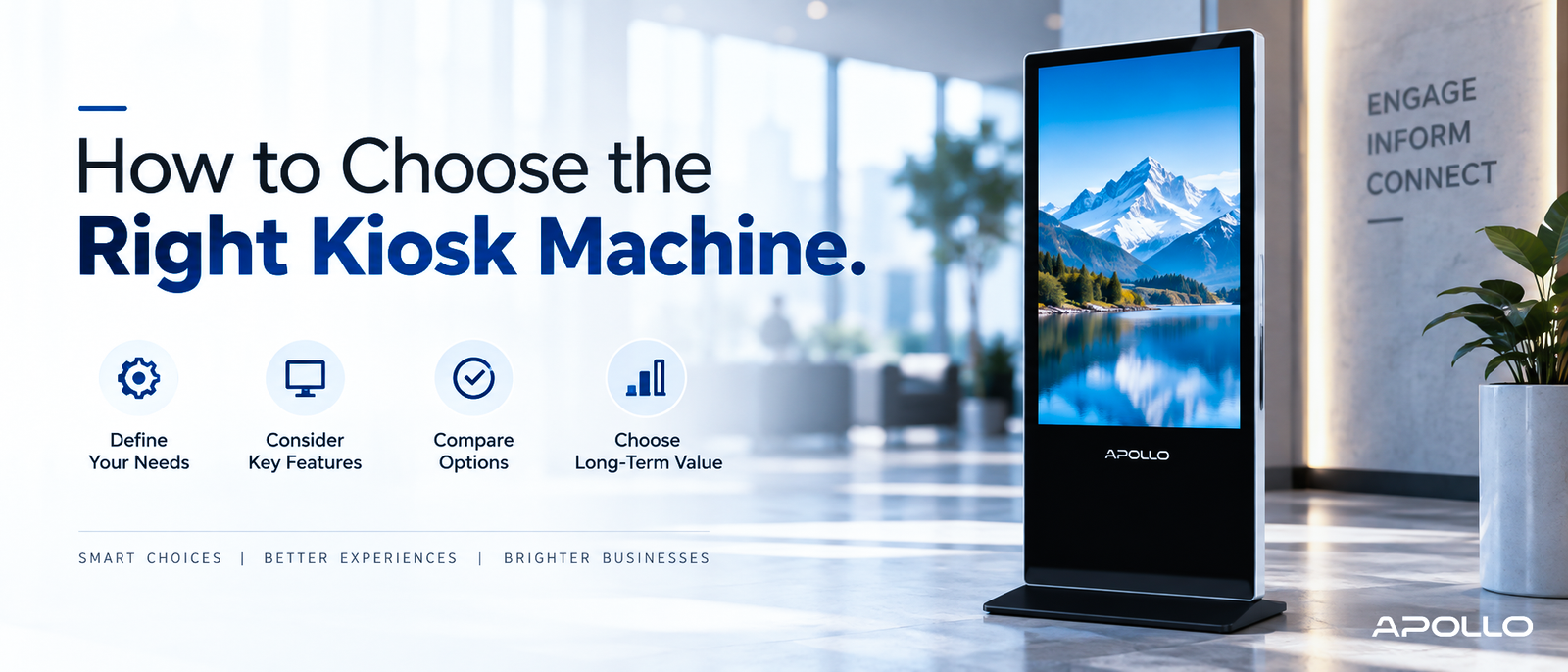
This guide walks through exactly how to choose the right kiosk machine — not by comparing brand names, but by working through the practical decision points that actually determine whether a kiosk succeeds or gets abandoned six months after installation.
Here's what nobody tells you before you buy a kiosk: the machine itself is rarely the problem. Most failed kiosk deployments trace back to a rushed decision made before anyone clearly defined what the kiosk actually needed to do. Get that part wrong, and even a well-built unit will underperform.
Start With the Problem, Not the Product
Before looking at any spec sheet, define what the kiosk is actually solving.
- Is it reducing wait times at a reception desk?
- Automating retail checkout?
- Displaying wayfinding information in a large facility?
Each of these has a different ideal hardware profile, and skipping this step is the single biggest reason businesses end up with the wrong machine.
What is a digital kiosk machine? Complete guide → Educational guide
Step 1: Define the Environment
Where the kiosk will physically live changes almost every other decision that follows:
- Indoor, controlled environment (office lobby, HR department) — Standard touchscreens and moderate brightness are sufficient
- High-traffic public space (retail floor, transit hub) — Requires reinforced housing and durable touch technology
- Outdoor or semi-outdoor — Needs weatherproofing, higher brightness for sunlight readability, and often infrared touch
- Gloved or industrial settings — Capacitive touch underperforms here; infrared touch technology is generally more reliable
Getting this wrong is one of the most common and costly mistakes in kiosk procurement, since retrofitting an indoor unit for outdoor use is rarely practical after purchase.
Best digital kiosk solutions for businesses — full comparison guide → Buying guide
Step 2: Determine the Right Touch Technology
Not all touchscreens behave the same way, and this decision affects usability far more than most buyers expect:
- Capacitive touch — Smooth, smartphone-like responsiveness; best for indoor, bare-finger use
- Infrared touch — Works reliably with gloves, styluses, or in dustier environments; slightly less refined feel
If your use case involves outdoor deployment, industrial settings, or users likely to wear gloves, infrared is usually the safer choice — even though capacitive often feels more premium indoors.
Step 3: Choose the Right Screen Size and Orientation
Screen size should match how users interact with the kiosk, not just how much visual impact you want:
- 21–24 inches — Ideal for close-range tasks like enrollment, check-in, or form completion
- 32–43 inches — Suited to general-purpose interactive use and moderate-distance signage
- 50+ inches — Best for wayfinding, large-format signage, or lobby displays meant to be seen from across a room
Orientation matters too — portrait mode generally suits wayfinding and vertical content, while landscape better accommodates data-heavy interfaces or multi-column layouts.
Compare Apollo Vision Tech's full digital kiosk range → Shop/Category page
Step 4: Evaluate Processing Power and Software Compatibility
A kiosk is only as good as its ability to run your intended software smoothly. Before purchasing, confirm:
- Operating system compatibility — Most modern kiosks run Android, which offers broad app support and simpler content management
- RAM and processor specs — Insufficient power leads to lag, especially with video-heavy content or multiple simultaneous processes
- Storage capacity — Matters if content is stored locally rather than streamed
- Remote management capability — Wi-Fi/Ethernet connectivity for updating content across multiple units without on-site visits
For reference, business-grade kiosks like Apollo's AIP-43FDK run on Android-based systems paired with quad-core processors — a reasonable baseline to compare against when evaluating other models.
View full Apollo AIP-43FDK kiosk specifications → Apollo AIP-43FDK product page
Step 5: Assess Build Quality and Durability
Durability requirements scale directly with expected traffic and environment:
- Tempered or explosion-proof glass — Important for any publicly accessible kiosk
- Metal vs. plastic housing — Metal generally withstands high-traffic use better over time
- IP rating — Relevant for outdoor or semi-outdoor deployments exposed to dust or moisture
- Ventilation and thermal management — Prevents overheating during continuous 24/7 operation
Step 6: Factor In Total Cost of Ownership
The unit price is only one part of the real cost equation. Also consider:
- Installation and mounting requirements
- Ongoing content management software, if applicable
- Maintenance, including touch panel servicing or glass replacement
- Warranty length and what it actually covers
- Power consumption for units running continuously
Digital kiosk machine price — corporate buying guide → Pricing guide
Step 7: Confirm Vendor Support and Deployment Scale
For single-unit purchases, vendor support matters less. For multi-location rollouts, it becomes critical:
- Does the vendor offer bulk pricing for multiple units?
- Is remote content management available across all deployed units from one dashboard?
- What's the typical lead time for custom fabrication or large orders?
- Does the vendor provide installation support, or is that handled separately?
Quick Decision Framework
| Question | If Yes → Consider |
|---|---|
| Will it be used outdoors or with gloves? | Infrared touch technology |
| Is it for quick, close-range tasks? | 21–24" compact touch kiosk |
| Is visibility from a distance the priority? | 43"+ floor-standing display |
| Will you deploy across multiple locations? | Vendor with remote management + bulk pricing |
| Is the environment high-traffic and public? | Reinforced glass, metal housing |
Projector buying guide for corporate offices → Buying guide
Common Mistakes to Avoid
- Choosing based on screen size alone — Ignoring touch technology and durability leads to poor real-world performance
- Underestimating traffic volume — Lightweight units wear out quickly under sustained public use
- Skipping a live demo — Specs on paper don't always reflect real-world responsiveness or brightness
- Ignoring long-term software support — A kiosk with limited OS updates can become outdated faster than expected
- Not planning for scale early — Choosing a model that can't be managed remotely becomes a problem the moment you deploy a second unit
How digital kiosks improve customer experience → Educational guide
FAQ: How to Choose the Right Kiosk Machine
1. What's the most important factor when choosing a kiosk machine? Defining the exact use case and environment first — this determines touch technology, screen size, and durability requirements more than any single spec.
2. Should I choose capacitive or infrared touch for my business? Capacitive touch suits indoor, bare-finger use with a smoother feel, while infrared touch is more reliable outdoors, in industrial settings, or when users may wear gloves.
3. How do I know what screen size my kiosk needs? Match size to interaction distance — smaller screens (21–24") work for close-range tasks like check-in, while larger displays (43"+) suit signage meant to be seen from farther away.
4. Is it worth paying more for a kiosk with remote management features? Yes, especially for multi-location deployments, since remote content management significantly reduces the ongoing operational cost of updating and maintaining multiple units.
5. How important is vendor support when choosing a kiosk machine? Very important for larger deployments — reliable vendor support affects lead times, bulk pricing, installation assistance, and long-term maintenance options.
Choosing the right kiosk machine comes down to working through a clear decision process — environment, touch technology, screen size, processing power, durability, and total cost of ownership — rather than picking based on price or appearance alone. Businesses that define their exact use case before comparing models consistently end up with kiosks that perform well for years, not just on day one.
Ready to find the right fit for your business?
Browse Apollo Vision Tech's full digital kiosk collection → Homepage/Shop page and get expert guidance matching a kiosk solution to your specific requirements.