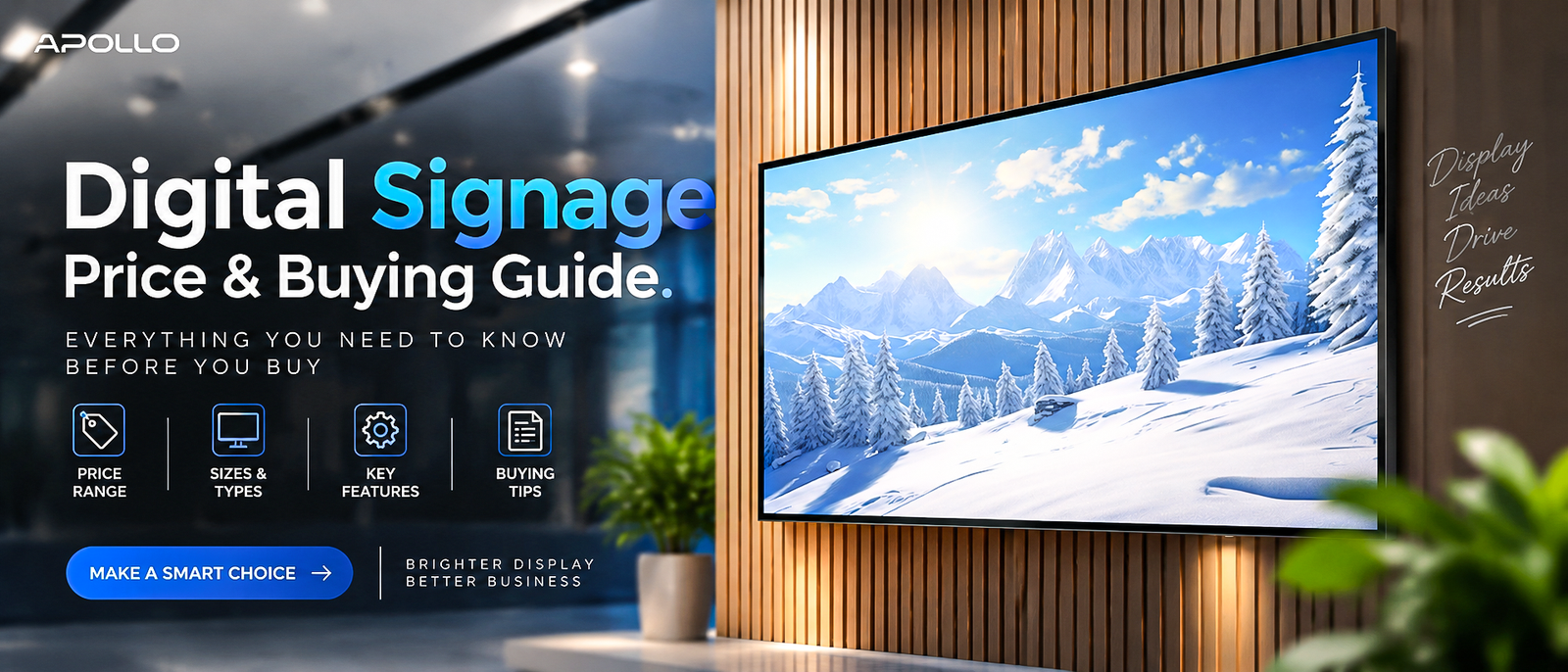
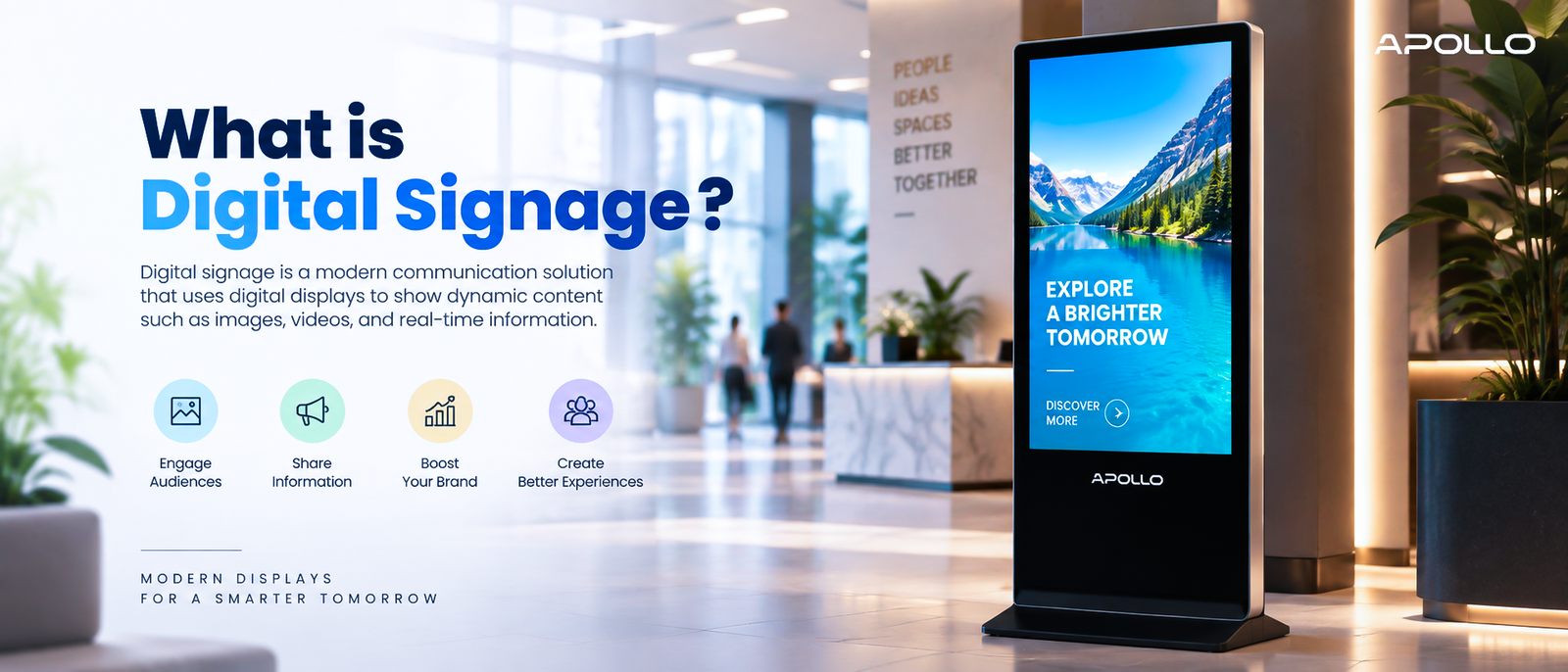
This guide explains exactly what digital signage is, how it works, the different types businesses use, and how it compares to other display technologies like interactive kiosks — so you can determine whether it's the right fit for your organization.
Walk into any airport, hospital, or shopping mall today, and the static poster has all but disappeared. In its place: a screen that updates itself, changes content by time of day, and never needs to be reprinted when prices or promotions shift. That's digital signage — and it's quietly replaced one of the oldest tools in business communication.
What Is Digital Signage, Exactly?
Digital signage refers to electronic displays — screens, video walls, or projected displays — used to show digital content such as images, video, text, or live data feeds, typically for advertising, information, or wayfinding purposes. Unlike a printed sign, digital signage content can be updated remotely, scheduled in advance, and changed instantly without reprinting or physical replacement.
At its core, a digital signage system usually includes three components:
- The display — The physical screen, ranging from small indoor panels to large outdoor video walls
- The media player or embedded system — Hardware that stores or streams the content to the display
- The content management software (CMS) — The platform used to create, schedule, and remotely update what appears on screen
What is a digital kiosk machine? Complete guide → Educational guide
How Does Digital Signage Work?
Modern digital signage typically operates through a centralized content management system. A business uploads content — video, images, live data, or promotional material — into the CMS, schedules when and where it should appear, and the system pushes that content to connected displays over Wi-Fi or Ethernet.
This is what allows a retail chain, for example, to update pricing across hundreds of store locations simultaneously from a single dashboard, rather than manually changing content at each site.
Types of Digital Signage
Digital signage isn't a single product category — it covers several distinct use cases:
1. Indoor Digital Signage
Used in retail stores, corporate lobbies, restaurants, and offices for promotions, wayfinding, or informational displays. Typically prioritizes color accuracy and moderate brightness suited to controlled indoor lighting.
2. Outdoor Digital Signage
Deployed in high-traffic outdoor locations such as storefronts, transit stations, and billboards. Requires significantly higher brightness, weatherproofing, and durability to remain visible and functional in direct sunlight and varying weather conditions.
3. Interactive Digital Signage
Blends traditional signage with touch capability, allowing users to browse information, check availability, or navigate content directly — often overlapping with digital kiosk functionality.
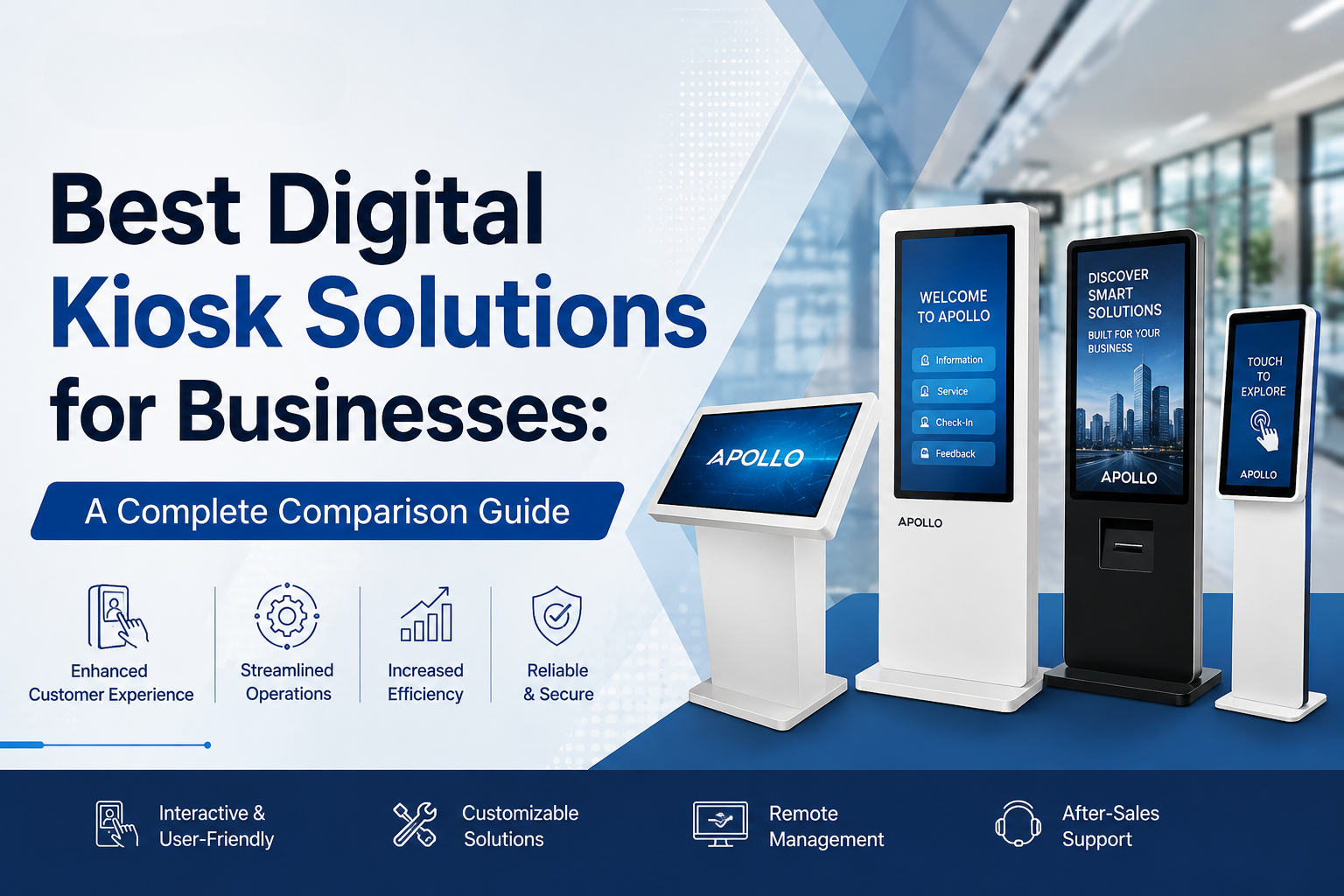
Best digital kiosk solutions for businesses — full comparison guide → Buying guide
4. Video Walls
Multiple displays tiled together to create one large, seamless image — commonly used in corporate lobbies, control rooms, retail flagship stores, and event spaces where visual impact matters.
Why Businesses Are Adopting Digital Signage
Organizations across nearly every industry have shifted toward digital signage for a few consistent, practical reasons:
- Instant content updates — No printing costs or delays when promotions, pricing, or information change
- Centralized management — Update dozens or hundreds of screens remotely from one platform
- Higher engagement — Motion and video content typically attract more attention than static displays
- Scheduling flexibility — Different content can automatically display by time of day, such as breakfast menus switching to lunch menus
- Data integration — Some systems pull in live data feeds, such as inventory levels, weather, or queue times
Digital Signage vs. Digital Kiosk: What's the Difference?
These two categories are often confused, but the distinction matters when planning a deployment:
| Factor | Digital Signage | Digital Kiosk |
|---|---|---|
| Interaction | Typically passive (display-only) | Usually interactive (touch-based) |
| Primary purpose | Broadcast information or promotions | Enable self-service tasks |
| Common locations | Storefronts, lobbies, waiting areas | Check-in desks, retail counters, wayfinding points |
| Hardware complexity | Simpler (display + media player) | More complex (touch layer + processing) |
If your goal is to inform or promote, signage is usually sufficient. If customers need to actively complete a task — checking in, ordering, or navigating — a kiosk is the better fit.
Key Features to Look for in Business-Grade Digital Signage
When evaluating signage hardware for commercial use, prioritize:
- Brightness (cd/m²) — Higher ratings for windows-facing or outdoor locations
- Display lifespan — Commercial-grade panels are built for continuous, long-term operation unlike consumer TVs
- Connectivity — Wi-Fi and Ethernet support for remote content management
- Operating system — Android-based systems generally offer broader app and CMS compatibility
- Mounting flexibility — Wall-mounted, floor-standing, or ceiling-suspended options depending on the space
Common Use Cases Across Industries
- Retail: Dynamic pricing, promotional content, and in-store advertising
- Corporate offices: Lobby branding, wayfinding, and internal communications
- Healthcare: Wait time updates, health information, and department directories
- Hospitality: Menu boards, event schedules, and guest information displays
- Transportation: Real-time schedules, gate information, and wayfinding
FAQ: What Is Digital Signage
1. What is the difference between digital signage and a regular TV screen? Commercial digital signage displays are built for continuous, long-term operation and typically integrate with content management software, while consumer TVs aren't designed for 24/7 commercial use and lack centralized content control.
2. Do I need special software to run digital signage? Yes — most business deployments use a content management system (CMS) to schedule, update, and remotely manage content across one or multiple displays.
3. Is digital signage the same as a digital kiosk? Not exactly — digital signage is typically passive and display-only, while a digital kiosk usually adds touch interactivity for self-service tasks.
4. How much does digital signage typically cost for a business? Cost varies significantly based on screen size, indoor vs. outdoor use, and software requirements, so most commercial vendors provide custom quotes rather than fixed retail pricing.
5. Can digital signage content be updated remotely across multiple locations? Yes — this is one of digital signage's core advantages, allowing businesses to update pricing, promotions, or information across many screens simultaneously from a single dashboard.
Digital signage has become a core communication tool for modern businesses, replacing static posters and printed signs with flexible, instantly updatable displays that scale from a single storefront to hundreds of locations. Understanding what digital signage is — and how it differs from interactive kiosks — puts you in a much stronger position to choose the right display solution for your organization.
Ready to explore your options? Browse Apollo Vision Tech's full digital signage and display range → Homepage/Shop page and find a solution built for how your business communicates.