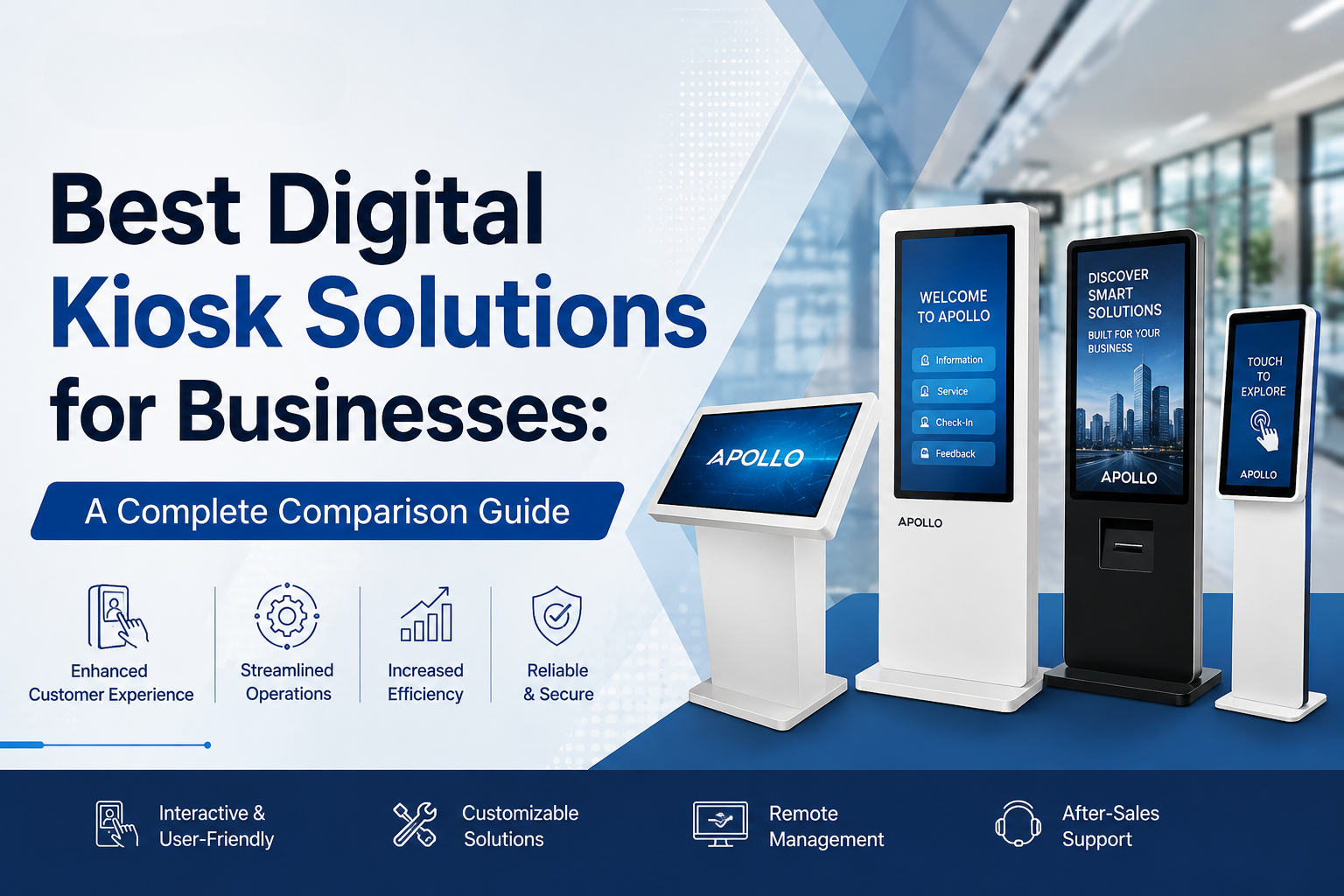
This guide breaks down the best digital kiosk solutions for businesses by actual use case, not just spec sheets, so you can match the right kiosk type to your specific environment — whether that's employee enrollment, retail signage, wayfinding, or high-traffic customer service.
Most companies buy the wrong kiosk not because they chose a bad product, but because they chose the right product for the wrong job. A sleek touch-enrollment kiosk designed for a quiet office lobby will underperform badly in a busy retail floor — and a rugged floor-standing unit built for high-traffic public space is overkill for a small reception desk.
Why "Best Kiosk" Depends Entirely on Use Case
There's no single best digital kiosk for every business, because kiosks aren't a single product category — they're a range of tools built for different jobs. A kiosk optimized for quick employee check-ins looks nothing like one built for continuous outdoor advertising. The smartest approach is to start with your use case, then match the hardware to it.
What is a digital kiosk machine? Complete guide → Educational guide
Best Digital Kiosk Solutions by Business Use Case
1. Best for Employee or Visitor Enrollment
Compact touch-enrollment kiosks are built for controlled, indoor environments like HR departments, corporate reception areas, or membership sign-up desks. These typically prioritize:
- Mid-sized touchscreens (around 21–24 inches) for comfortable close-range interaction
- Fast, accurate touch response for form-based data entry
- Compact footprint suited to desks or small counters
Apollo's AIP-21.5DSK Touch Enrollment Kiosk fits this category — a purpose-built unit designed specifically for enrollment and check-in style interactions rather than general-purpose signage.
Compare Apollo Vision Tech's full digital kiosk range → Shop/Category page
2. Best for Retail Floors and High-Traffic Public Spaces
Retail environments need kiosks that can handle constant use, accidental bumps, and varying lighting conditions. Look for:
- Floor-standing designs for stability and visibility
- Capacitive touch for smartphone-like responsiveness
- Reinforced glass to withstand daily public interaction
Apollo's Floor Standing Capacitive Digital Kiosk is built for exactly this scenario — continuous public interaction in busy commercial environments where responsiveness and durability both matter.
3. Best for Outdoor or Glove-Compatible Environments
Not every kiosk deployment happens indoors. Warehouses, transit stations, and cold-climate environments often require infrared touch technology, which remains accurate even with gloves or in less controlled conditions. Apollo's Floor Standing Infrared Digital Kiosk is designed with this kind of flexibility in mind, making it a stronger fit than capacitive models for environments where users may not have bare-finger contact with the screen.
How digital kiosks improve customer experience → Educational guide
4. Best for Large-Format Signage and Wayfinding
When the goal is visibility from a distance — wayfinding, promotional content, or lobby announcements — larger displays perform better than compact touch units. Apollo's AIP-43FDK and AIP-55FDK Floor Stand Digital Kiosks fall into this category, offering large vertical displays suited to both signage and light interactive use.
For reference, the AIP-43FDK includes a 43-inch Full HD portrait display, ≥300 cd/m² brightness for indoor visibility, Android-based smart OS, and 3mm+ explosion-proof tempered glass — a solid benchmark for what a mid-range commercial signage kiosk should include.
View full Apollo AIP-43FDK kiosk specifications → Apollo AIP-43FDK product page
5. Best for Mobile or Flexible Deployment
Not every business needs a permanently fixed kiosk. Apollo's 32" Mobile Smart Screen and K Shape Floor Stand offer more flexible positioning — useful for pop-up events, temporary retail activations, or spaces that get reconfigured frequently.
Quick Comparison: Matching Kiosk Type to Business Need
| Business Need | Best-Fit Kiosk Type | Priority Feature |
|---|---|---|
| Employee/visitor enrollment | Compact touch kiosk (21–24") | Fast, accurate data entry |
| Retail self-service | Floor-standing capacitive kiosk | Durability, touch responsiveness |
| Outdoor/glove-use environments | Infrared touch kiosk | Reliable touch without bare skin |
| Wayfinding/large signage | 43–55" floor-standing display | Visibility, brightness |
| Pop-up or flexible spaces | Mobile smart screen | Portability, quick setup |
Digital kiosk machine price — corporate buying guide → Pricing guide
What to Evaluate Before Choosing a Kiosk Solution
Regardless of category, a few core factors separate genuinely business-ready kiosks from underperforming ones:
- Touch technology fit — Capacitive for smooth indoor use, infrared for outdoor or glove-compatible needs
- Brightness and visibility — Higher cd/m² ratings matter for windows-facing or bright environments
- Build quality — Tempered glass and reinforced housing for high-traffic public settings
- Connectivity — Wi-Fi and Ethernet support for remote content management across locations
- Processing hardware — Sufficient RAM and CPU power to run your intended software smoothly
Projector buying guide for corporate offices → Buying guide
Common Mistakes When Choosing a Kiosk Solution
- Choosing based on price alone — A cheaper unit that fails in your specific environment costs more long-term
- Ignoring touch technology differences — Capacitive kiosks can underperform in gloved or outdoor conditions
- Overlooking screen orientation — Portrait works for wayfinding/signage; landscape often suits data-heavy interfaces
- Underestimating traffic volume — Lightweight units struggle under sustained high-traffic use
FAQ: Best Digital Kiosk Solutions for Businesses
1. What's the best type of kiosk for a busy retail store?
Floor-standing capacitive touch kiosks are generally the best fit for retail, since they combine durability with smartphone-like touch responsiveness for frequent customer interaction.
2. Is infrared or capacitive touch better for business kiosks?
It depends on the environment — capacitive touch offers smoother indoor performance, while infrared touch remains more reliable outdoors or when users may be wearing gloves.
3. What size kiosk display is best for wayfinding or signage?
Larger displays, typically 43 inches and above, perform better for wayfinding and signage since they're designed to be visible from a distance rather than close-range interaction.
4. Are compact kiosks suitable for corporate offices?
Yes — compact touch-enrollment kiosks are well suited to office reception areas, employee check-in, and visitor management, where space is limited and interactions are brief.
5. Can one kiosk model work for multiple use cases?
Some models are flexible enough for light multi-purpose use, but businesses generally get better performance and durability by matching kiosk type specifically to their primary use case.
The best digital kiosk solutions for businesses aren't defined by a single "top pick" — they're defined by how well the hardware matches your actual environment and use case. Whether you need a compact enrollment kiosk, a rugged retail unit, or a large-format signage display, starting with your specific requirements leads to a far better outcome than choosing based on price or brand alone.
Ready to find the right fit for your business?
Browse Apollo Vision Tech's full digital kiosk collection → Homepage/Shop page and compare kiosk solutions built for how your business actually operates.