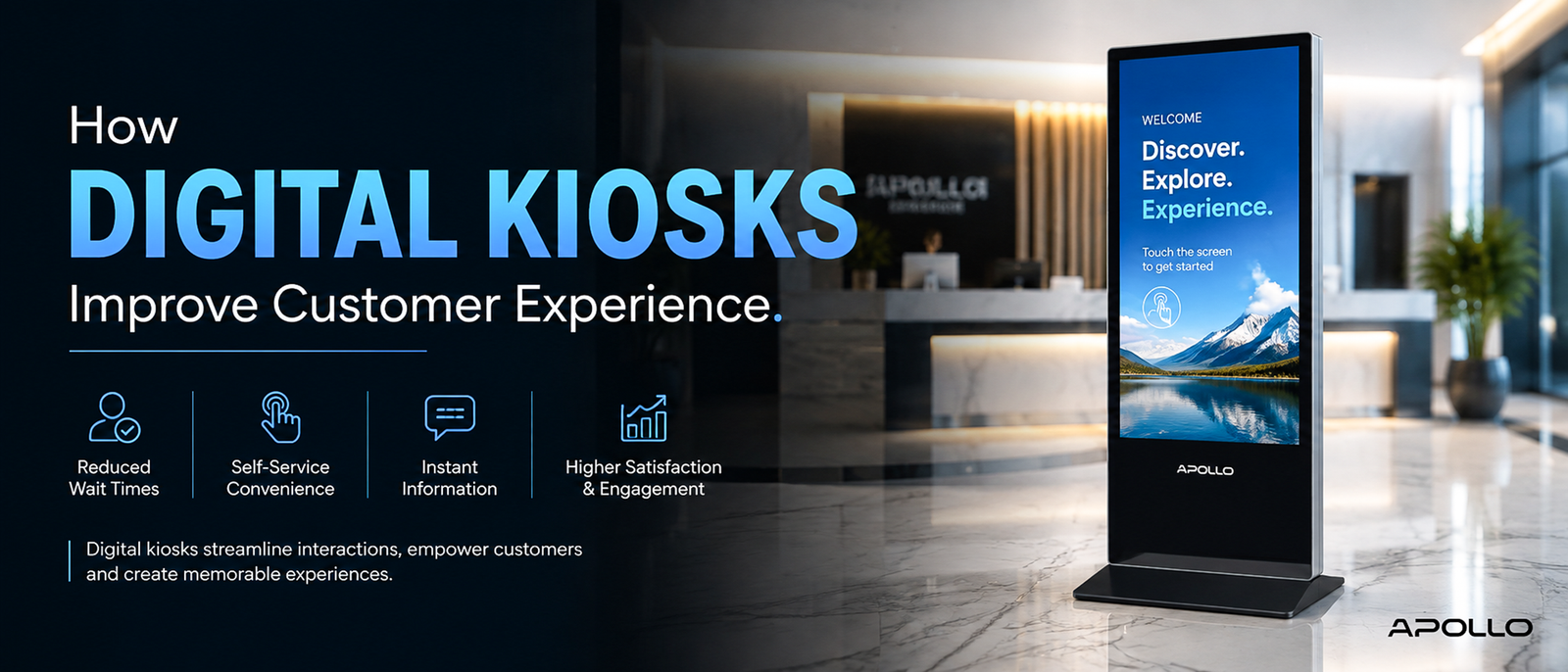
This is exactly why digital kiosks improve customer experience so consistently across industries — from retail and healthcare to hospitality and transportation. This guide breaks down the specific ways kiosks reduce friction, the metrics that actually matter, and how businesses can implement them without creating a cold, impersonal experience.
Customers don't actually want more attention from your staff — they want less friction. That's the uncomfortable truth behind one of the biggest shifts in customer service: people increasingly prefer solving their own problem in 30 seconds over waiting five minutes for someone else to solve it for them.
Why Customer Experience Now Depends on Self-Service
Customer expectations have shifted dramatically. People are used to checking themselves in for flights, ordering food from their phones, and tracking deliveries in real time — so when they walk into a business that still requires a staff member for every simple interaction, it feels slow by comparison.
Digital kiosks close that gap by giving customers a fast, self-directed way to complete common tasks — without removing the option of human assistance when it's genuinely needed.
What is a digital kiosk machine? Complete guide → Educational guide
How Digital Kiosks Improve Customer Experience: The Core Mechanisms
1. Reduced Wait Times
This is the most immediate and measurable benefit. A single kiosk can handle check-ins, orders, or inquiries simultaneously with staff-assisted service, effectively multiplying your service capacity without adding headcount.
2. Consistency Across Every Interaction
Human service quality naturally varies by staff member, time of day, and workload. A well-designed kiosk delivers the same guided process every time, reducing errors and creating a more predictable customer journey.
3. Reduced Perceived Effort
Customers often overestimate how long a task will take when a staff member is involved (finding someone, explaining the request, waiting for processing). A kiosk removes those social and logistical steps, making the interaction feel faster even when actual processing time is similar.
4. 24/7 Availability
Kiosks don't need breaks, shifts, or staffing schedules. For businesses with extended or round-the-clock hours, this alone significantly improves customer experience outside standard working hours.
5. Privacy for Sensitive Interactions
In healthcare, financial services, or HR settings, some customers prefer completing forms or transactions without a staff member present. Kiosks provide that privacy while still keeping human support available nearby.
Real-World Examples Across Industries
- Retail: Self-checkout and product lookup kiosks reduce queue times during peak shopping hours
- Healthcare: Patient check-in kiosks cut administrative wait times and reduce front-desk congestion
- Hospitality: Hotel lobby kiosks allow guests to check in, print keys, or request services without waiting at the front desk
- Transportation: Airport and transit kiosks handle ticketing and check-in for large volumes of travelers simultaneously
- Corporate offices: Visitor management kiosks streamline guest check-in and badge printing at reception
Compare Apollo Vision Tech's full digital kiosk range → Shop/Category page
What Makes a Kiosk Actually Improve Experience (vs. Just Existing)
Not every kiosk deployment succeeds. Poorly implemented kiosks can frustrate customers rather than help them. The difference usually comes down to a few practical factors:
- Intuitive interface design — If customers can't figure out the flow in seconds, the kiosk creates friction instead of removing it
- Fast, responsive hardware — Laggy touchscreens or slow processors undermine the entire point of self-service
- Clear escalation paths — Customers should always be able to find human help if the kiosk can't resolve their issue
- Reliable uptime — A kiosk that's frequently out of service damages trust faster than not having one at all
- Accessible design — Height, screen brightness, and interface simplicity should accommodate a wide range of users
Best multimedia projectors for offices — full comparison guide → Buying guide
Measuring the Impact: What to Track
Businesses evaluating kiosk performance should monitor:
- Average transaction time — Compare kiosk vs. staff-assisted completion times
- Queue length reduction — Track peak-hour wait times before and after deployment
- Customer satisfaction scores — Survey feedback specifically tied to kiosk interactions
- Adoption rate — Percentage of eligible customers choosing self-service over staff assistance
- Error/abandonment rate — How often customers give up mid-interaction, which signals usability issues
Common Mistakes That Undermine Customer Experience
- Placing kiosks in poor locations — Low visibility or awkward positioning reduces adoption
- Overcomplicating the interface — Too many steps or options increases abandonment
- No visible staff backup — Customers need reassurance that help is available if needed
- Neglecting maintenance — A malfunctioning kiosk creates a worse impression than no kiosk at all
- Ignoring accessibility — Excluding customers with mobility or vision needs undermines the entire goal
Digital kiosk machine price — corporate buying guide → Pricing guide
Digital Kiosks vs. Staff-Only Service: Finding the Right Balance
The goal isn't to replace human interaction entirely — it's to reserve staff time for situations that genuinely benefit from it, like complex questions, complaints, or high-value transactions. Kiosks work best when they:
- Handle routine, repetitive tasks (check-in, basic ordering, form submission)
- Free up staff to focus on higher-value customer interactions
- Offer a visible, easy path to human help when needed
This hybrid approach consistently outperforms both fully staffed and fully automated models in customer satisfaction research across service industries.
Projector buying guide for corporate offices → Buying guide
FAQ: How Digital Kiosks Improve Customer Experience
1. Do customers actually prefer kiosks over staff assistance?
For simple, repetitive tasks like check-in or basic ordering, many customers prefer kiosks because they reduce wait times and perceived effort — though preference for human assistance remains strong for complex or sensitive interactions.
2. Can digital kiosks reduce customer complaints?
Yes, primarily by reducing wait times and creating consistent service quality, both of which are common sources of customer frustration in staff-only environments.
3. Are digital kiosks suitable for all types of businesses?
Kiosks work best for businesses with repetitive, high-volume interactions — retail, healthcare, hospitality, and transportation are strong fits, while highly consultative or relationship-driven businesses may benefit less.
4. How do businesses measure whether a kiosk is actually improving customer experience?
Key metrics include average transaction time, peak-hour queue reduction, customer satisfaction scores tied to kiosk use, and abandonment rates during kiosk interactions.
5. Do digital kiosks reduce the need for customer service staff entirely?
Not usually — the most effective deployments use kiosks to handle routine tasks while keeping staff available for complex or sensitive situations, rather than replacing human support altogether.
Digital kiosks improve customer experience by removing friction from routine interactions — shorter wait times, consistent service quality, and self-directed convenience that today's customers increasingly expect. The businesses that get the most value aren't the ones that automate everything, but the ones that use kiosks strategically alongside staff to create a faster, more flexible customer journey.
Ready to explore kiosk options for your business?
Browse Apollo Vision Tech's full digital kiosk collection → Homepage/Shop page and find a self-service solution designed to improve how your customers experience your business.