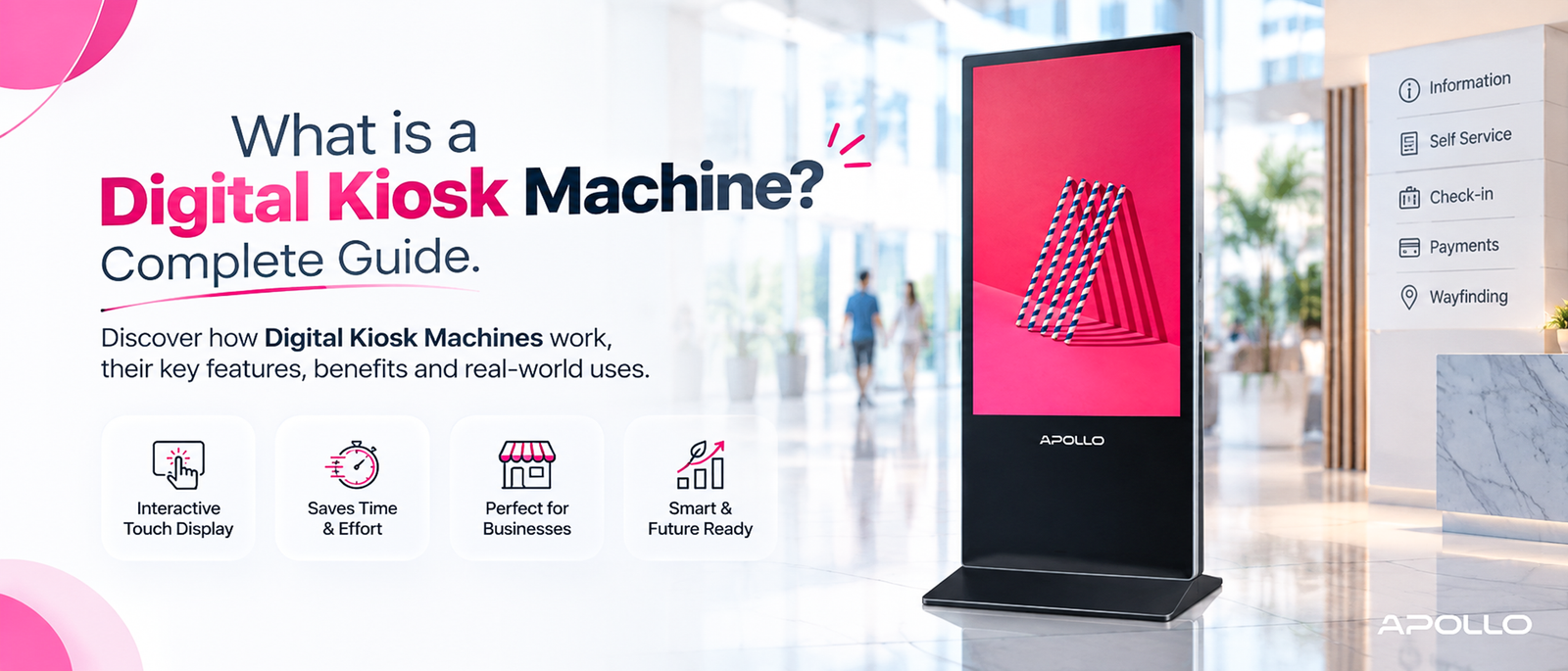
This guide breaks down exactly what a digital kiosk machine is, the different types available, how businesses use them, and what to look for when evaluating one for your own organization — using a real, currently available model as a practical example along the way.
Walk through any modern airport, hospital, or retail store, and you've probably interacted with one without even thinking about it — a self-service screen that checked you in, took your order, or pointed you toward the right department. That's a digital kiosk machine, and it's quietly become one of the most cost-effective tools a business can deploy to reduce wait times, cut staffing costs, and improve customer experience.
What Is a Digital Kiosk Machine?
A digital kiosk machine is a standalone, screen-based device that allows customers, visitors, or employees to interact directly with information or services — without needing a staff member to assist them. Depending on the model, a kiosk may support touchscreen input, display scheduled content automatically, or combine both functions in a single unit.
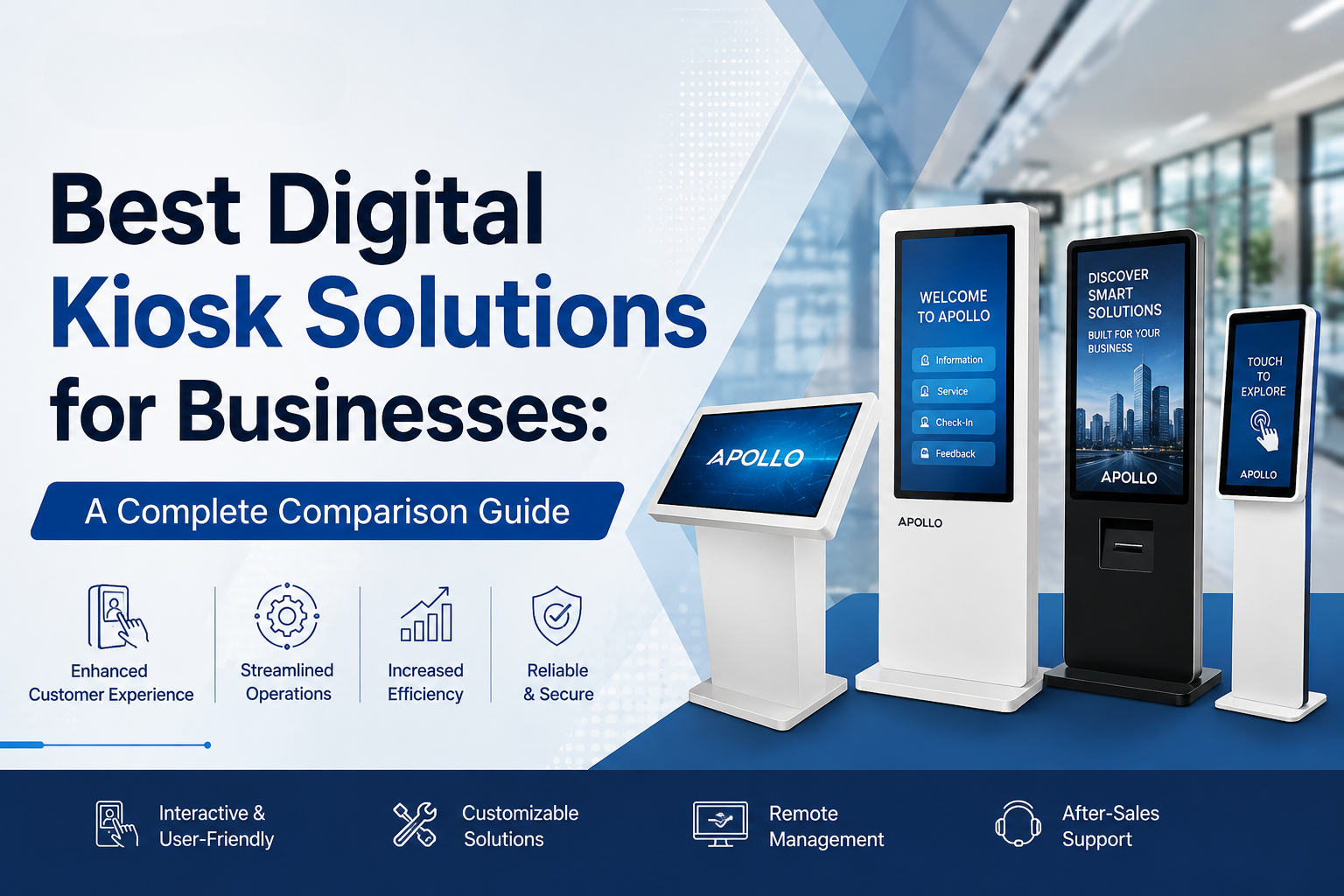
Kiosks generally fall into two broad categories:
- Interactive kiosks — Touch-enabled devices where users actively engage (check-in, self-checkout, wayfinding, form completion)
- Digital signage kiosks — Display-only or hybrid units that show scheduled content, promotions, or information, sometimes with limited interactivity
What is a multimedia projector? Full feature breakdown → Educational guide
How Does a Digital Kiosk Machine Work?
At its core, a digital kiosk combines four elements into one physical unit:
- Display — The screen itself, ranging from small tabletop units to large floor-standing panels
- Processing hardware — A built-in operating system (commonly Android) and processor that runs the kiosk's software
- Connectivity — Wi-Fi or Ethernet, allowing content updates, remote management, or integration with backend systems
- Enclosure — The physical housing, often reinforced for public, high-traffic, or 24/7 commercial environments
This all-in-one design is what separates a true kiosk from a simple TV or monitor — it's built specifically to run unattended in public or semi-public spaces.
Types of Digital Kiosk Machines
Not all kiosks serve the same purpose. Understanding the main categories helps narrow down what your business actually needs:
1. Self-Service Check-In Kiosks
Common in healthcare, hospitality, and enrollment settings, these allow visitors to register, check in, or complete forms without staff assistance.
2. Floor-Standing Digital Signage Kiosks
Large vertical displays used in retail, corporate lobbies, and public spaces to show promotions, wayfinding information, or scheduled content.
3. Wayfinding and Information Kiosks
Deployed in malls, airports, and campuses to help visitors navigate large spaces independently.
4. Self-Checkout and Ordering Kiosks
Widely used in retail and quick-service restaurants to speed up transactions and reduce staffing requirements.
Compare Apollo Vision Tech's full digital kiosk range → Shop/Category page
A Real-World Example: Floor-Standing Digital Kiosk Specs
To make this practical, it helps to look at what a genuine floor-standing digital kiosk actually includes. The Apollo AIP-43FDK, for example, is a 43-inch vertical (portrait mode) digital kiosk and portable signage display built for indoor commercial use. Its specification sheet illustrates the kind of features corporate buyers should expect from a business-grade unit:
- 43-inch Full HD display (1080×1920) in portrait orientation
- ≥300 cd/m² brightness for clear indoor visibility
- Android 9.0 operating system on a quad-core processor
- Wi-Fi and Ethernet connectivity for remote content management
- 3mm+ explosion-proof tempered glass for durability in public spaces
- Auto power ON/OFF scheduling to reduce energy use outside business hours
- Dual built-in speakers and support for third-party applications
This kind of spec sheet is a useful benchmark: a genuinely business-ready kiosk should combine display quality, durable construction, and remote manageability — not just a screen bolted to a stand.
View full Apollo AIP-43FDK kiosk specifications → Apollo AIP-43FDK product page
Why Businesses Are Investing in Digital Kiosk Machines
Organizations across nearly every industry are adopting kiosks for a few consistent reasons:
- Reduced wait times — Customers self-serve instead of queuing for staff
- Lower long-term staffing costs — One kiosk can handle repetitive tasks continuously
- 24/7 availability — Kiosks don't require breaks, shifts, or time off
- Consistent customer experience — Every interaction follows the same guided process
- Centralized content management — Many kiosks allow remote updates across multiple locations from a single dashboard
Digital Kiosk vs. Interactive Flat Panel: What's the Difference?
Corporate buyers often confuse these two product categories. Here's a quick distinction:
| Factor | Digital Kiosk | Interactive Flat Panel |
|---|---|---|
| Primary use | Public-facing self-service | Internal meetings, training, collaboration |
| Typical location | Lobbies, retail floors, entrances | Boardrooms, classrooms |
| Housing | Reinforced, floor-standing or wall-mounted | Wall-mounted or mobile stand |
| Interaction style | Self-service by unattended users | Facilitated, presenter-led |
If your goal is public engagement without staff involvement, a kiosk is the right category; for internal team collaboration, an interactive flat panel is usually the better fit.
Best multimedia projectors for offices — full comparison guide → Buying guide
What to Look for When Choosing a Digital Kiosk Machine
Before purchasing, evaluate:
- Screen size and orientation — Portrait for wayfinding/signage, landscape for data-heavy interfaces
- Brightness — Higher cd/m² ratings matter more in bright lobbies or window-facing locations
- Durability — Tempered glass and reinforced housing matter in high-traffic public areas
- Connectivity — Wi-Fi and Ethernet support for remote content updates
- Power scheduling — Auto ON/OFF features reduce unnecessary energy use
- Software compatibility — Confirm the OS supports your required applications or CMS
FAQ: Digital Kiosk Machines Explained
1. What is the difference between a digital kiosk and digital signage?
Digital signage is typically display-only, showing scheduled content passively, while a digital kiosk usually supports touch interaction, allowing users to actively engage with the device.
2. What industries use digital kiosk machines the most?
Retail, healthcare, hospitality, transportation, and education are among the heaviest adopters, using kiosks for check-in, wayfinding, ordering, and information display.
3. Are digital kiosks difficult to maintain?
Most commercial-grade kiosks are designed for low-maintenance, 24/7 operation, with remote content management reducing the need for on-site staff involvement.
4. Can a digital kiosk work without an internet connection?
Some kiosks can run pre-loaded content offline, but most modern units rely on Wi-Fi or Ethernet for content updates, remote management, and real-time data.
5. How durable are digital kiosk machines for public spaces?
Business-grade kiosks typically use reinforced glass (often 3mm or thicker) and metal housing specifically built to withstand high-traffic public environments.
A digital kiosk machine isn't just a screen — it's a self-service infrastructure tool that reduces staffing pressure, speeds up customer interactions, and runs reliably around the clock. Understanding the different kiosk types and what separates a genuinely business-ready unit from a basic display helps you make a far more confident purchasing decision.
Ready to explore your options?
Browse Apollo Vision Tech's full digital kiosk collection → Homepage/Shop page and find a self-service solution built for how your business actually operates.