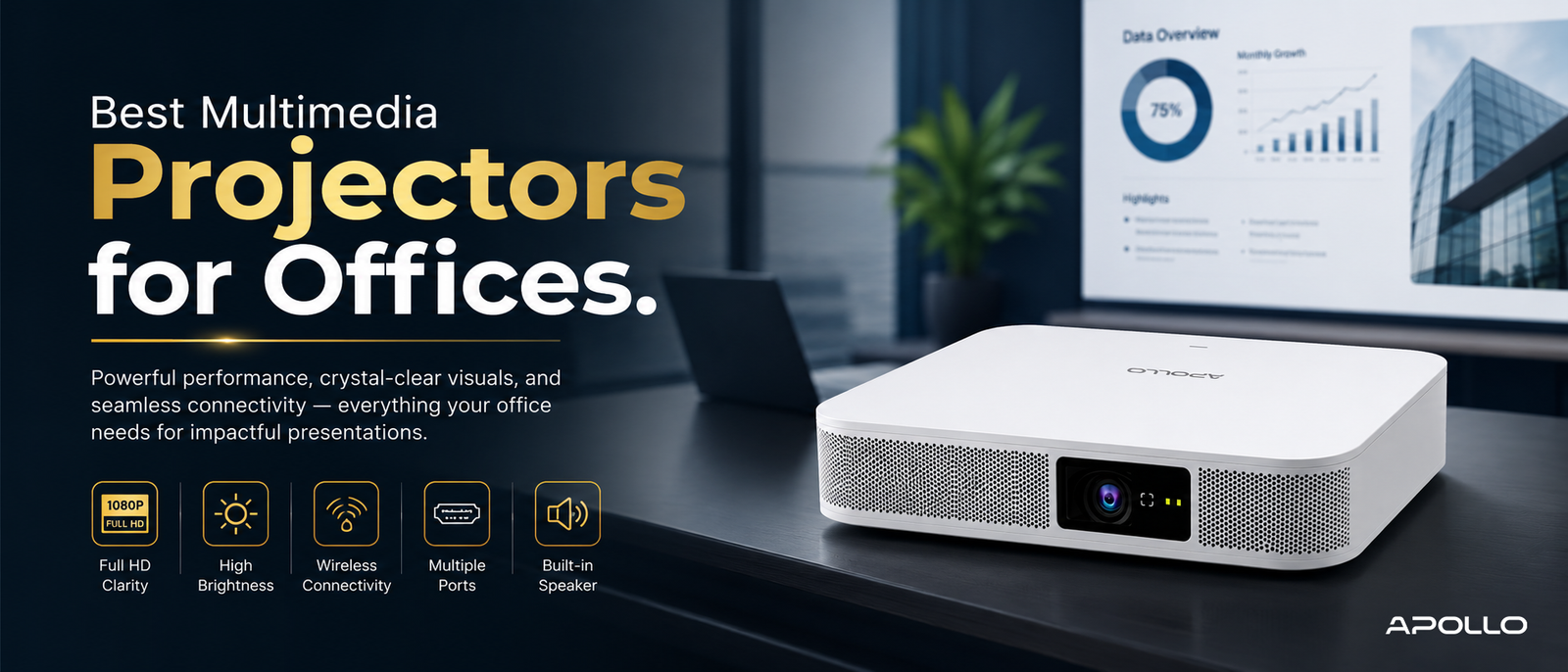
If you're evaluating the best multimedia projectors for offices, the real question isn't which single model is "the best" — it's which type of projector best fits your room size, lighting conditions, and how your teams actually present. This guide breaks that down clearly, so you can make a confident, well-informed purchase for your organization.
Most companies don't lose money on the projector itself — they lose it on the wrong one. A washed-out image in a sunlit boardroom, a lamp that dies mid-quarter, or a unit that can't connect wirelessly to a modern laptop: these small mismatches quietly cost businesses far more than the price difference between a good projector and a great one.
What Makes a Multimedia Projector "Best" for Office Use?
Before comparing options, it helps to understand the specific factors that separate a genuinely good office projector from an underwhelming one:
- Brightness (ANSI Lumens): Determines how well the image holds up under office lighting
- Resolution: Affects text clarity and image sharpness during presentations
- Connectivity: HDMI, USB-C, Wi-Fi, and Bluetooth support for modern devices
- Light source lifespan: Laser and LED units last far longer than traditional lamps
- Portability: Important for teams presenting across multiple rooms or locations
- Noise level: A loud fan can be distracting during quiet presentations or video calls
What is a multimedia projector? Full feature breakdown → Educational guide
Best Multimedia Projectors by Office Use Case
Rather than a single "best" projector, most organizations get better results by matching the projector type to the room. Here's how that typically breaks down:
1. Best for Small Meeting Rooms (Under 10 People)
Small rooms don't need maximum brightness or 4K resolution — they need reliability and easy connectivity. Look for:
- 2,500–3,000 ANSI lumens
- Full HD resolution
- Built-in speakers to avoid extra audio equipment
- Compact, wall-mountable design
2. Best for Standard Boardrooms and Conference Rooms
This is the most common corporate use case, and where most mid-range projectors perform best. Prioritize:
- 3,000–4,000 ANSI lumens
- Wireless screen mirroring (Miracast, AirPlay, or proprietary casting apps)
- Multiple HDMI/USB inputs for multi-device presenting
- Keystone correction for flexible mounting angles
Compare Apollo Vision Tech's business projector range → Shop/Category page
3. Best for Large Auditoriums and Training Halls
Bigger spaces demand more power and longer-term reliability:
- 4,500+ ANSI lumens
- Laser light source for extended lifespan (20,000+ hours)
- 4K or near-4K resolution for large screen clarity
- Professional installation with ceiling mounting
4. Best for Multi-Branch or Traveling Teams
Companies presenting across multiple offices or client sites benefit most from:
- > Ultra-portable, lightweight design
- > Battery-powered or low-power-draw models
- > Fast wireless setup without IT support
- > Durable build quality for frequent transport
Best portable multimedia projectors for business travel → Product category
Multimedia Projector Comparison: Key Specs at a Glance
| Use Case | Brightness | Resolution | Priority Feature |
|---|---|---|---|
| Small meeting room | 2,500–3,000 lumens | Full HD | Compact design |
| Standard boardroom | 3,000–4,000 lumens | Full HD | Wireless connectivity |
| Large auditorium | 4,500+ lumens | 4K/near-4K | Laser durability |
| Multi-branch/travel | 2,000–3,000 lumens | Full HD | Portability |
Multimedia projector price guide for corporate buyers → Pricing guide
Common Mistakes Companies Make When Choosing an Office Projector
- Buying based on resolution alone — Brightness often matters more than resolution in well-lit rooms
- Ignoring connectivity needs — Teams using mixed devices (Mac, Windows, mobile) need broad compatibility
- Overlooking total cost of ownership — Lamp replacements and maintenance add up over 2–3 years
- Choosing the cheapest option upfront — Often leads to higher long-term costs from replacements or poor performance
- Not testing in the actual room — Lighting conditions vary significantly between demo rooms and real offices
How to connect a multimedia projector — full setup guide → Setup guide
Wired vs. Wireless: What Should Offices Prioritize?
1. Modern offices increasingly favor wireless-capable projectors for faster meeting turnovers and cleaner room aesthetics.
2. However, wired HDMI connections remain the most reliable option for:
- 3. Large file presentations with high-resolution video
- 4. Environments with inconsistent Wi-Fi coverage
- 5. Situations requiring zero-lag screen sharing
6. The best approach for most offices is a projector that supports both — wireless for convenience, wired as a dependable backup.
Tips for Making the Right Purchase Decision
- 1. Match brightness to your room's typical lighting conditions, not just its size
- 2. Prioritize models with strong local warranty and support coverage
- 3. Request a live demo before large or multi-unit purchases
- 4. Consider laser projectors if usage is frequent and long-term savings matter
- 5. Involve both IT and facilities teams in the final decision, since usability and installation both affect long-term satisfaction
FAQ: Best Multimedia Projectors for Offices
1. What is the best type of projector for a corporate boardroom?
A mid-range projector with 3,000–4,000 ANSI lumens, Full HD resolution, and wireless connectivity typically offers the best balance of image quality and usability for standard boardrooms.
2. Is a laser projector worth the extra cost for office use?
For offices using their projector daily, laser models often pay off over time thanks to significantly longer lifespans and lower long-term maintenance costs.
3. How important is Wi-Fi connectivity in an office projector?
Very important for modern offices — wireless screen mirroring speeds up meetings and reduces cable clutter, though a wired HDMI backup is still recommended.
4. Do offices need 4K projectors, or is Full HD enough?
For most meeting rooms, Full HD is more than sufficient. 4K is mainly beneficial for large auditoriums or detailed visual content like design or engineering presentations.
5. How do I choose between a portable and a fixed-installation projector?
If your team presents in the same room consistently, a fixed installation offers better image calibration. If you present across multiple locations, a portable model provides more flexibility.
There's no single "best" multimedia projector for every office — only the right projector for your specific room, team, and presentation style. By matching brightness, resolution, and connectivity to your actual use case, you avoid both overspending and the frustration of underpowered equipment during important meetings.
Ready to find the right fit for your organization?
Browse Apollo Vision Tech's full range of office multimedia projectors → Homepage/Shop page and equip your team with a display solution built for how modern businesses present.