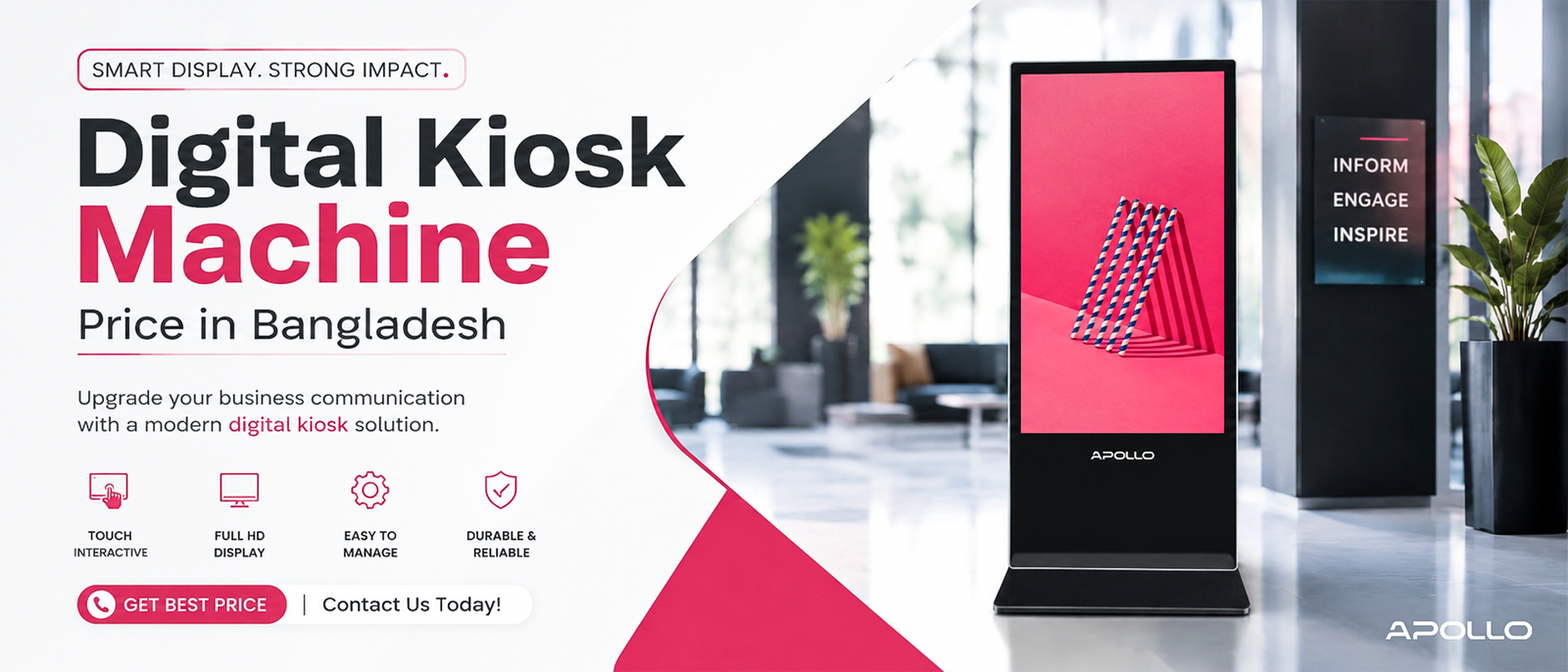
This guide breaks down what actually determines digital kiosk machine price, what corporate buyers should expect to pay across different tiers, and how to avoid the two most common budgeting mistakes: underestimating total cost of ownership, and assuming all kiosks are priced the same way.
Ask three kiosk vendors for a quote and you'll likely get three wildly different numbers — not because anyone's overcharging, but because "digital kiosk" covers everything from a basic tabletop check-in screen to a fully custom, enterprise-grade floor unit built to run 24/7 in a public lobby. If you're budgeting without understanding what drives that gap, you're guessing, not planning.
What Determines Digital Kiosk Machine Price?
Kiosk pricing isn't arbitrary — a handful of factors explain nearly all the variation you'll see between quotes:
- Screen size and resolution — Larger, higher-resolution displays cost significantly more
- Enclosure and build quality — Reinforced glass, metal housing, and weatherproofing for outdoor use add real cost
- Touch technology — Capacitive touch (smartphone-style) typically costs more than infrared touch
- Processing hardware — CPU, RAM, and storage affect how smoothly the kiosk runs its software
- Custom fabrication — Branded enclosures, custom sizing, or bespoke designs increase both cost and lead time
- Deployment scale — Bulk orders across multiple locations often reduce per-unit pricing significantly
- Software and content management — Some kiosks include remote management platforms, which can affect upfront or ongoing costs
What is a digital kiosk machine? Complete guide → Educational guide
Digital Kiosk Machine Price Ranges by Category
While exact quotes vary by vendor, region, and specification, here's a general framework corporate buyers can use for planning purposes:
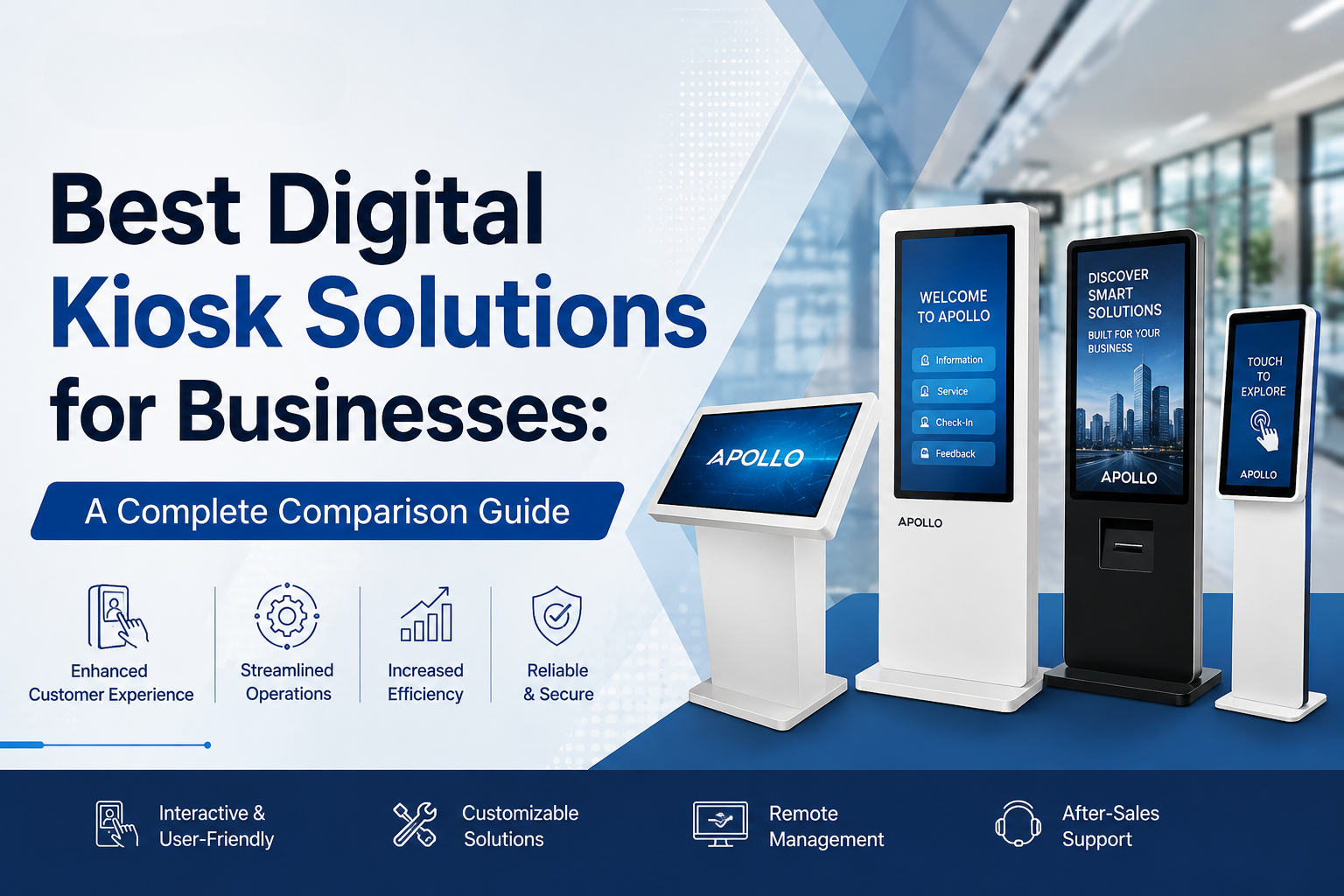
Entry-Level Kiosks (Basic Tabletop or Small Display Units)
Typically the most affordable tier, suited for simple check-in, feedback collection, or small-format signage. Usually feature smaller screens, basic processors, and standard (non-reinforced) housing.
Mid-Range Commercial Kiosks (Floor-Standing, 32–43 Inch Displays)
The most common category for retail, corporate lobbies, and hospitality. This tier typically includes commercial-grade panels, tempered glass protection, Wi-Fi/Ethernet connectivity, and Android-based operating systems built for continuous operation.
High-End Enterprise Kiosks (Custom Fabrication, Large Format, Outdoor-Rated)
Priced significantly higher due to custom enclosures, weatherproofing, larger displays, and enterprise integration requirements. This tier is common for large-scale retail rollouts, transportation hubs, and outdoor deployments.
Compare Apollo Vision Tech's full digital kiosk range → Shop/Category page
Note: Because enterprise kiosk deployments often involve custom fabrication, bulk pricing, and region-specific logistics, most manufacturers — including Apollo Vision Tech — quote pricing directly rather than publishing fixed rates. Treat the framework above as a planning guide, and request a formal quote for exact numbers.
Why Digital Kiosk Pricing Isn't a Fixed Number
Unlike consumer electronics, commercial kiosks are frequently priced through direct quotes rather than fixed retail listings. There are practical reasons for this:
- Custom fabrication is common — Many buyers need specific branding, enclosure colors, or dimensions
- Bulk deployments change the math — A single-unit price rarely reflects what a 50-location rollout actually costs per unit
- Regional logistics vary — Shipping, import duties, and installation costs differ significantly by country
- B2B purchase terms apply — Enterprise kiosk vendors often work through purchase orders, Net-30 terms, or mobilization deposits rather than simple checkout pricing
Projector buying guide for corporate offices → Buying guide
Total Cost of Ownership: What the Sticker Price Doesn't Include
The upfront unit price is only part of the real cost. Corporate buyers should also budget for:
- Installation — Floor-standing units often require professional setup, especially for multi-location rollouts
- Content management software — Some platforms charge ongoing licensing fees for remote content updates
- Maintenance and support — Touch panel repairs, glass replacement, or hardware servicing over the unit's lifespan
- Power consumption — Standby and operating power draw for units running 24/7
- Warranty coverage — Longer warranties reduce long-term repair costs but may affect upfront pricing
Multimedia projector price guide for corporate buyers → Pricing guide
How to Get an Accurate Digital Kiosk Quote
Rather than comparing vague price ranges, corporate buyers get the most accurate numbers by providing vendors with specific requirements upfront:
- Exact screen size and orientation (portrait vs. landscape)
- Indoor vs. outdoor deployment environment
- Required touch technology (capacitive vs. infrared)
- Number of units needed and deployment locations
- Any custom branding or enclosure requirements
- Whether centralized content management is needed across multiple units
Providing this information upfront typically results in a faster, more accurate quote than a generic pricing request.
Best multimedia projectors for offices — full comparison guide → Buying guide
Digital Kiosk vs. Digital Signage: A Quick Cost Perspective
Buyers sometimes assume kiosks and digital signage displays are priced similarly, but interactivity changes the equation:
| Factor | Digital Kiosk | Digital Signage (Display-Only) |
|---|---|---|
| Touch hardware | Required, adds cost | Not required |
| Software complexity | Higher (user interaction logic) | Lower (content playback only) |
| Typical use case | Self-service, check-in, ordering | Passive content display |
| Price tendency | Generally higher per unit | Generally lower per unit |
If your use case doesn't require direct user interaction, a digital signage display may be the more cost-effective choice.
FAQ: Digital Kiosk Machine Price
1. Why don't kiosk manufacturers publish fixed prices online?
Most commercial kiosk vendors quote pricing directly because enterprise deployments often involve custom fabrication, bulk discounts, and region-specific logistics that a single listed price can't accurately reflect.
2. What's the difference in price between indoor and outdoor kiosks?
Outdoor-rated kiosks typically cost more due to weatherproofing, reinforced enclosures, and brightness requirements needed for direct sunlight visibility.
3. Does kiosk price include installation and setup?
Not usually — installation, mounting, and network configuration are often quoted separately from the unit price itself.
4. Is it cheaper to buy multiple kiosks in bulk?
Yes, in most cases. Bulk orders across multiple locations typically reduce the per-unit cost compared to purchasing a single kiosk.
5. How much does ongoing kiosk maintenance typically cost?
This varies by vendor and warranty terms, but budgeting for occasional touch panel servicing, software updates, and potential glass replacement is a reasonable long-term planning practice.
Understanding digital kiosk machine price isn't about finding one universal number — it's about recognizing that screen size, build quality, touch technology, and deployment scale all shift the cost significantly. The businesses that budget most accurately are the ones that define their exact requirements before requesting a quote, rather than comparing vague price ranges across different kiosk categories.
Ready to get an accurate quote for your organization?
Request pricing for Apollo Vision Tech's digital kiosk range → Contact/Quote page and get a proposal built around your actual deployment needs.